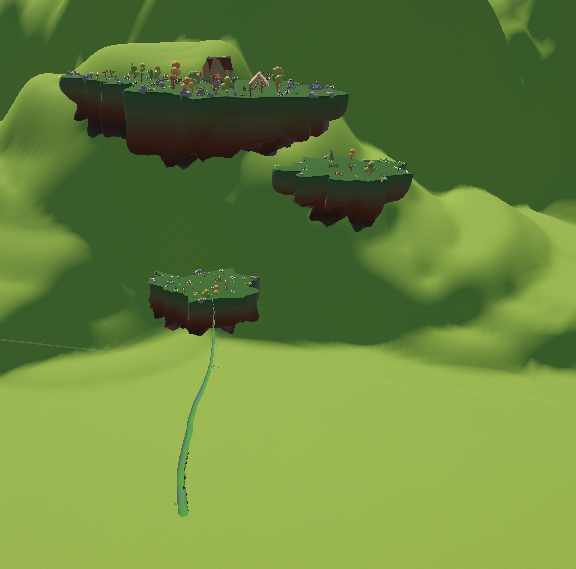
AGAGAB is the first game whose development went all the way to publication. It is a game in which the player’s objective is to grow a bean plant until it reaches their home, which has floated away onto a floating island. Government agents will try to get in their way. AGAGAB was developed using Unity and was published on Itch.io in March 2026. It continues to be updated regularly.
Floating islands in the sky make up the game environment. The player must grow their bean from the ground level to reach the islands, where they can find items to unlock that allow them to reach higher and higher islands, until they reach their home on the highest island.
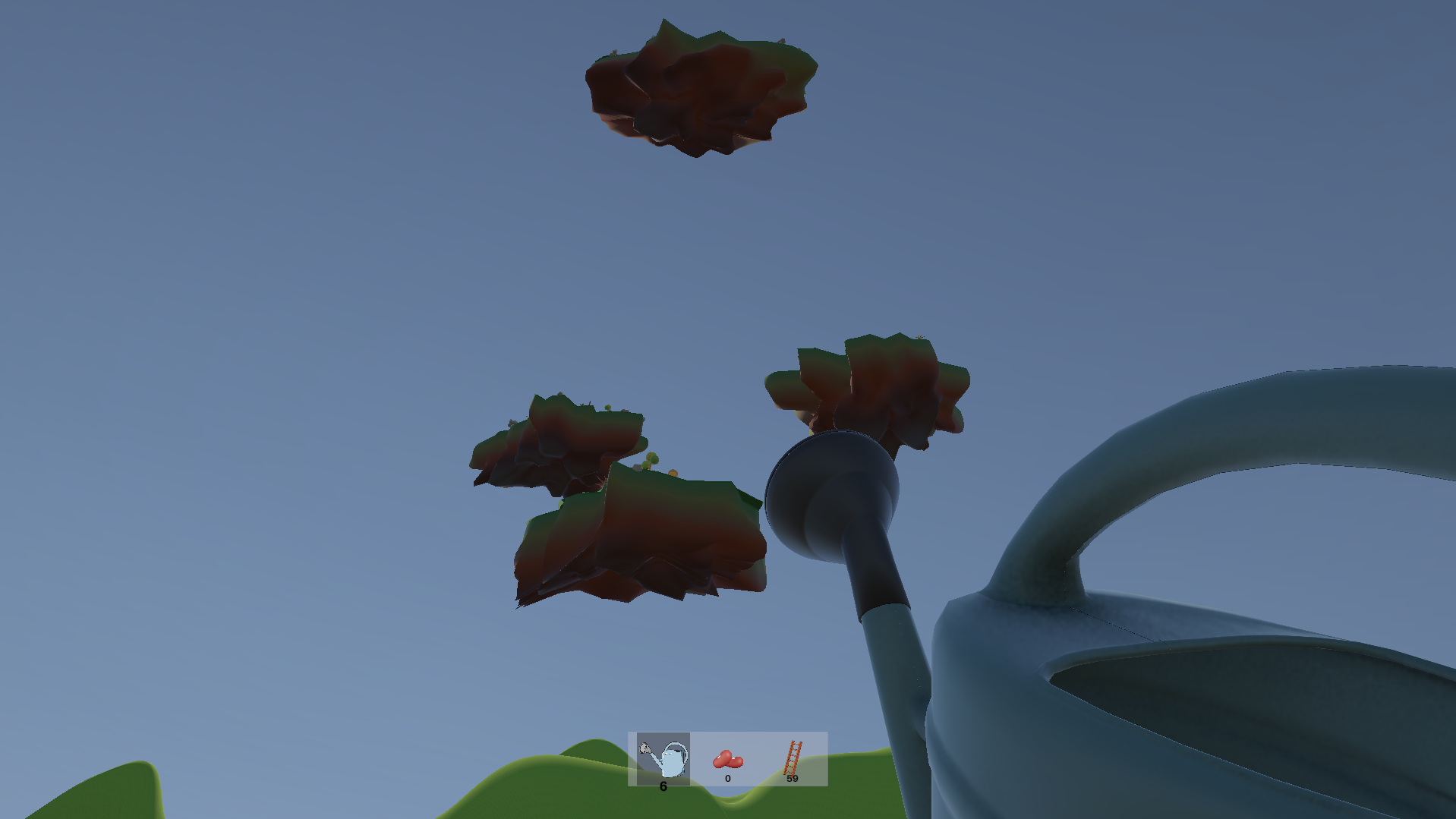
The player grows a bean by watering it and adding fertiliser. They plant a seed in the ground, on a floating island, or on another plant to grow a new bean. The bean produces two types of fruit: the first serves as currency, the second, much rarer, serves as a seed for replanting.
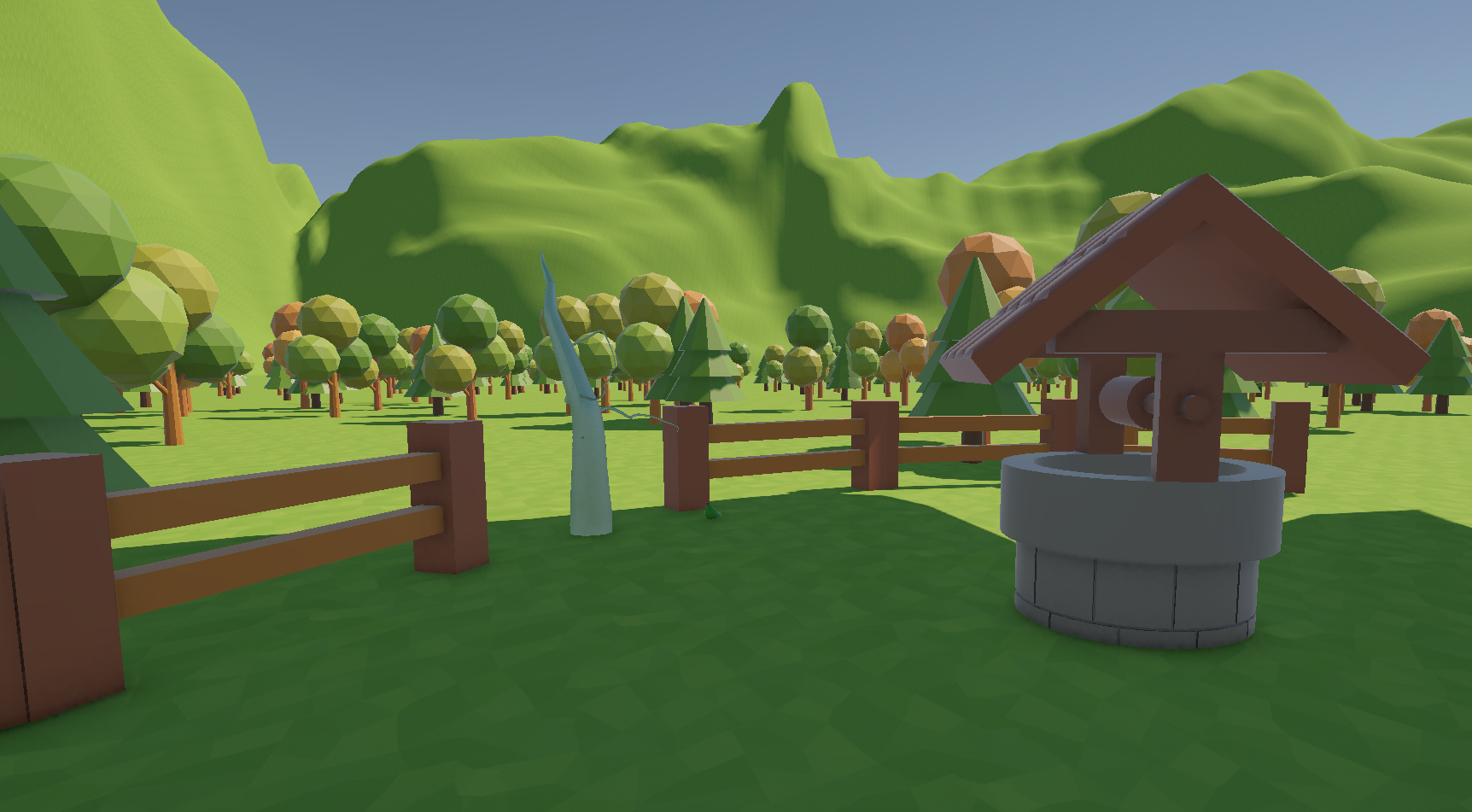
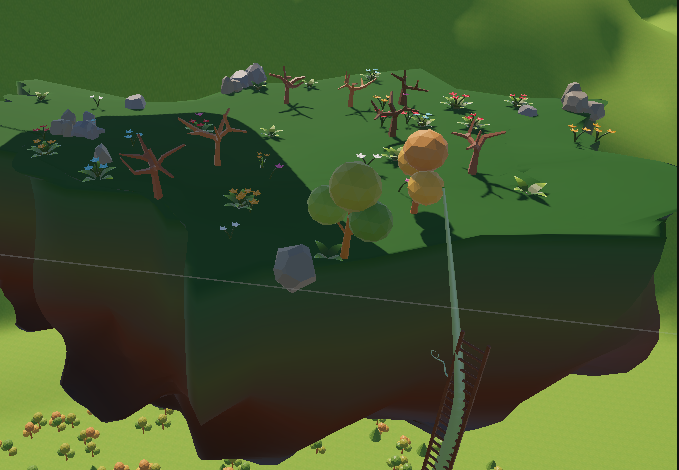
To climb vertical plants, the player must place ladders on them. As the plants grow, they engulf the ladders, forcing the player to place new ones.
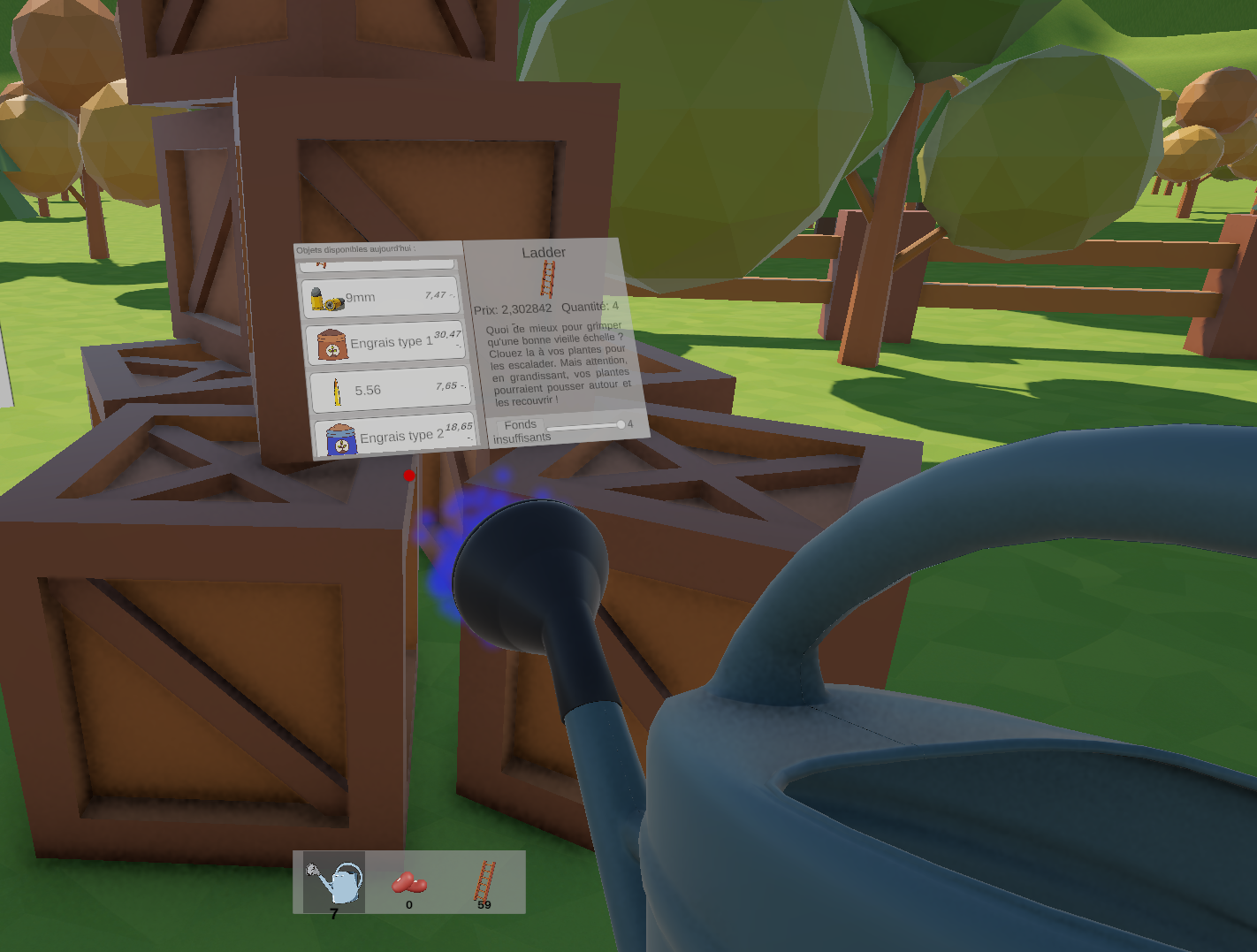
A shop allows the player to buy consumables such as ladders, fertilisers or ammunition.
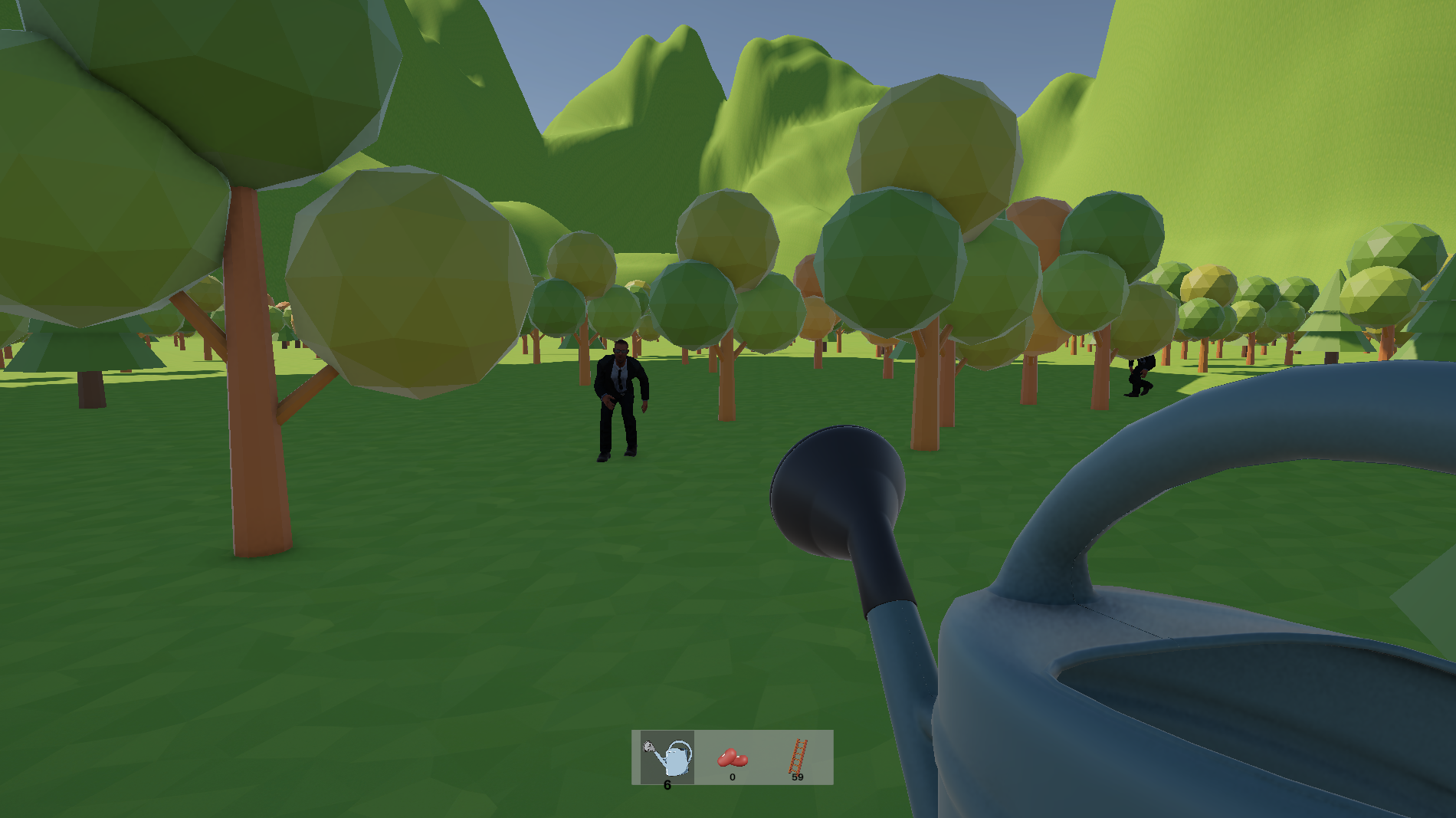
Spies first come in for reconnaissance. If they stay alive long enough and make enough reports, soldiers will appear and target the player. The player has weapons to defend themselves, but must first unlock them by finding weapon licences hidden on the floating islands.
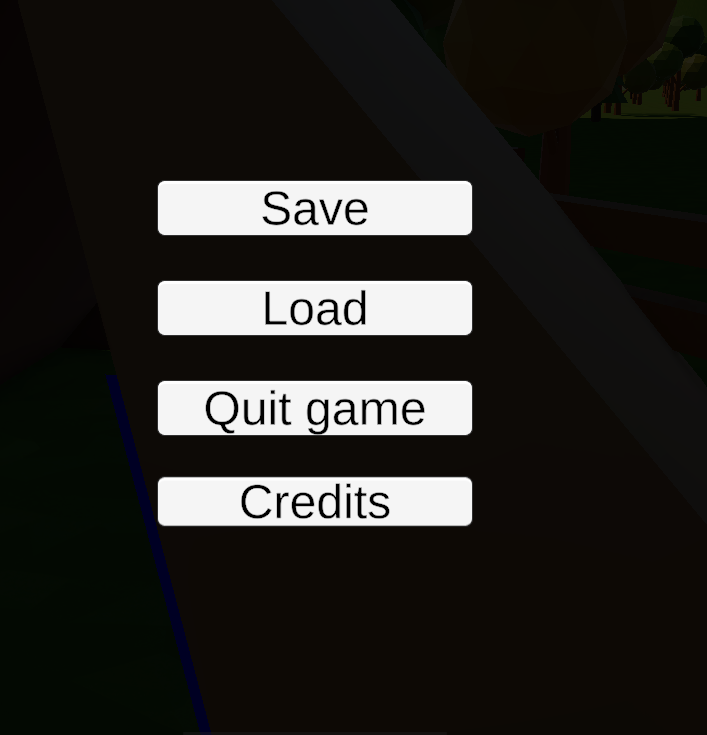
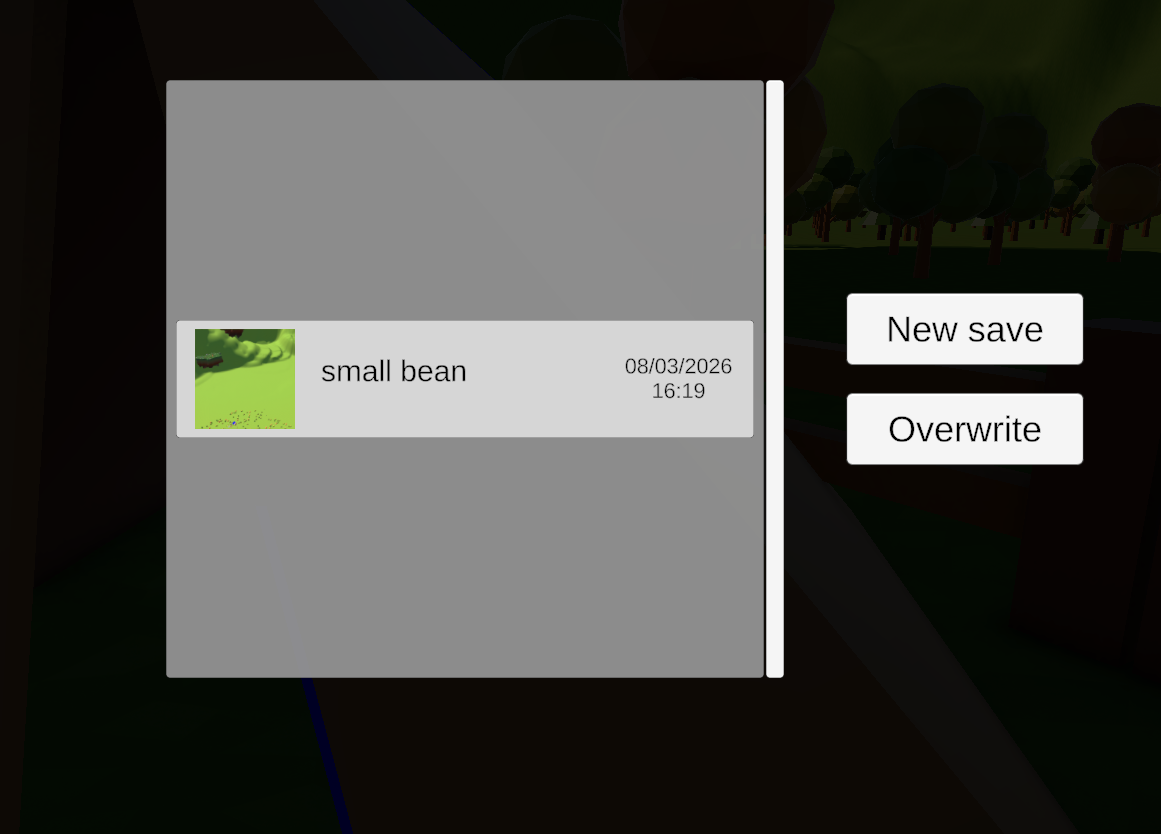
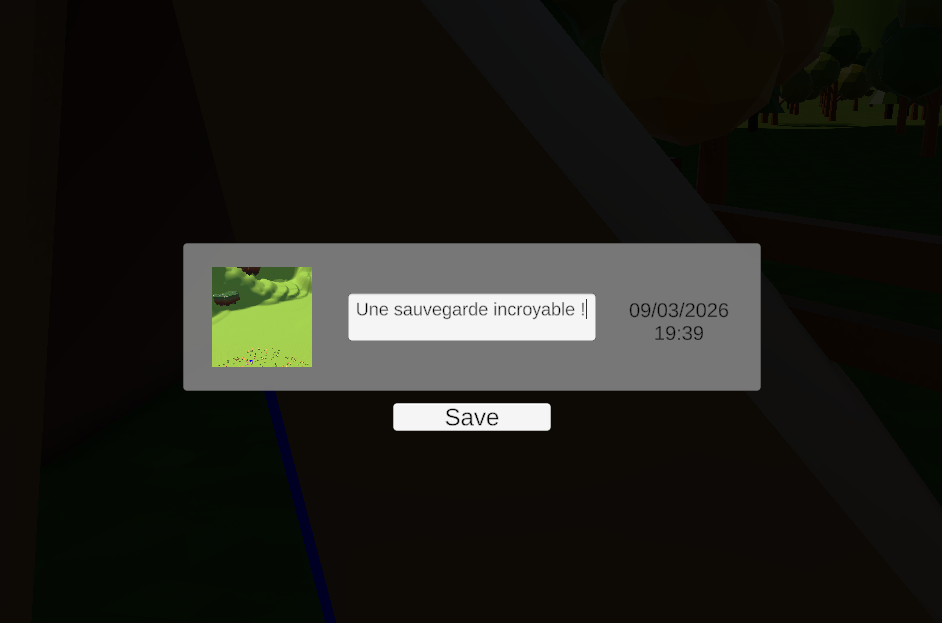
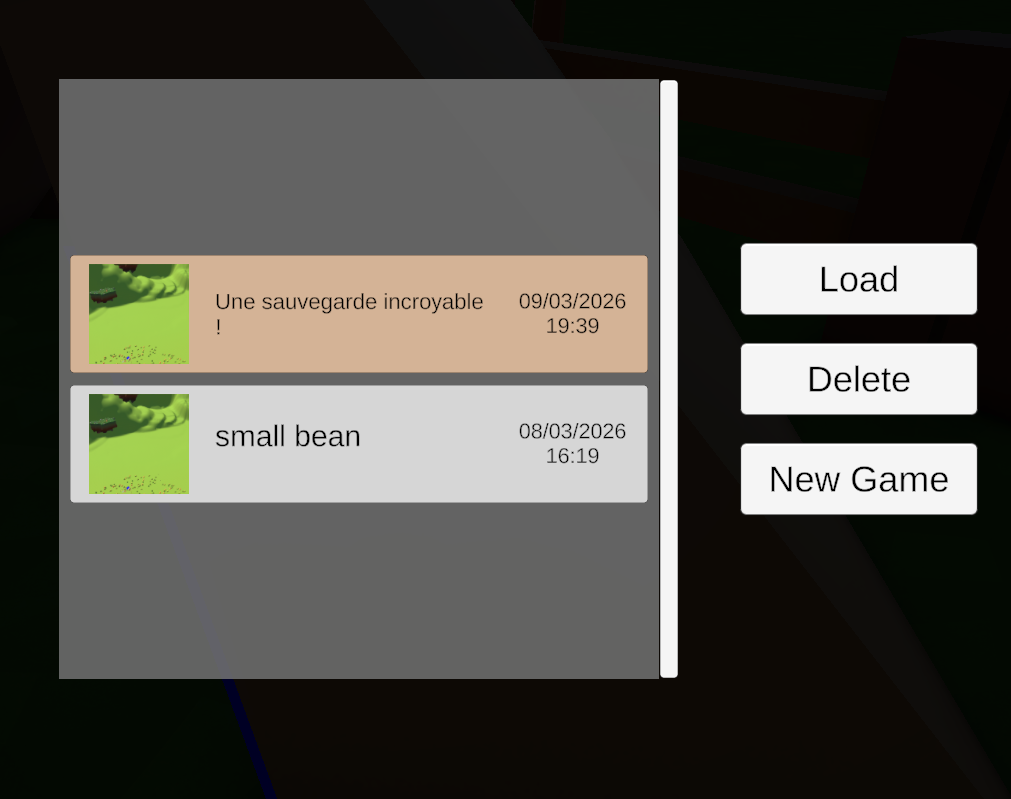
The player can save their progress to reload their game later. To do so, they must go to a save point (tent or hut) and interact with the building.
Floating islands are generated procedurally. Starting from a unit UV sphere, it is then transformed. First, an elongation is applied to give the island a more ellipsoidal shape. Desynchronised Perlin noise (with offsets) is used to warp the coordinate space (Domain Warping) to give a more organic shape. The points are displaced using Fractional Brownian Motion, whose persistence and frequency are controlled to add more or less detail to the island. Finally, the top of the island is flattened and the bottom is stretched. A shader colours the island according to triangle altitude (brown at the bottom, green at the top), avoiding the need to texture each island individually.
Objects are then placed on the island:
On the highest island, the house (final objective) is placed;
Objects from the list are sorted by tag (plant, rock, building…);
Triangles from the island’s surface mesh are randomly selected;
Triangles are filtered by slope, distance to other triangles, etc.;
A category and an item within the category are randomly drawn.
Plants are generated procedurally. An influenced Perlin Worm is used to generate a plant shape, which is then converted into a series of segments. Each segment is made up of a cylinder. As the plant grows, the segment cylinders are enlarged, pushing the following segments forward. Segments are activated once a certain diameter is reached. Several plant generation methods were tested; the chosen approach consists of generating a pool of plants at game launch, which are placed in the scene when the player plants a seed.
An item manager handles the internal state of the various initialised items (Locked, Unlocked, Equipped, Selected). A regular RayCast checks for the presence of an item to equip or unlock in front of the player. An item class defines the standard behaviours and variables for items, and is inherited by the different item types (quantity, price, description for the shop, etc.). Items are directly subscribed to certain player inputs (primary action, secondary, interaction), making it easy to add new items to the game. These subscriptions are temporarily revoked, for example when the player is facing the shop, to allow clicking without activating the item.
Ladders come from an Asset Store package that was slightly modified then integrated.
The behaviours of the other items were built from scratch.
Their 3D models are mostly sourced from the Asset Store; a few were modelled in Blender.
The shop is a UI on a world-space canvas that responds to a virtual cursor placed at the centre of the screen. At regular intervals, items to be sold and a price multiplier are randomly drawn. A UI item template is then filled with this information. A second info window displays the details of the selected item. Unity’s Buttons, ScrollBar and Panel components are used to build the interface and detect interactions. When the player is looking at the shop, the item manager’s subscription to the item-switch input is revoked to allow scrolling.