Sport2Scroll is a gamified fitness mobile application project whose goal is to use body tracking to help users perform their exercises correctly. A second objective of the project is to help users control their screen time by unlocking “scroll time” through physical exercise. The user defines their initial fitness level, their goals, the exercises they wish to prioritise, and the maximum scroll time they allow themselves. Once their screen time limit is exceeded, the application takes over social media apps and prompts the user to exercise in order to unlock more scroll time.
The application is developed in Unity 6 for Android.
Body detection relies on MediaPipe Pose Landmarker, an open-source library by Google specialised in real-time human posture analysis. For each frame captured by the front camera, MediaPipe analyses the video stream and returns the positions of 33 key points distributed across the body: shoulders, elbows, wrists, hips, knees, ankles, etc. Each point is provided with a confidence score indicating how certain MediaPipe is of its position.
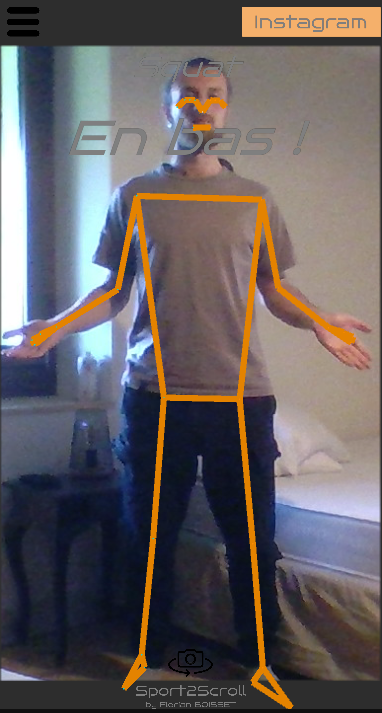
To define an exercise, a custom editor tool developed in Unity allows the user, in editor mode, to stand in front of the camera, perform the desired pose and capture it in one click. The tool records the angles of all joints at that moment. A description or instruction for the user is also added to guide them in adopting the pose.
An exercise is then defined by an ordered sequence of reference poses. For example, a push-up is described by two poses: arms extended on the floor, then arms bent (low position). During a session, the application asks the user to reproduce each pose in sequence; once all have been validated, one repetition is counted.
Currently available exercises:
Push-ups
Squats
Knee-to-elbow
Mountain Climbers
Jumping Jacks
Lunges
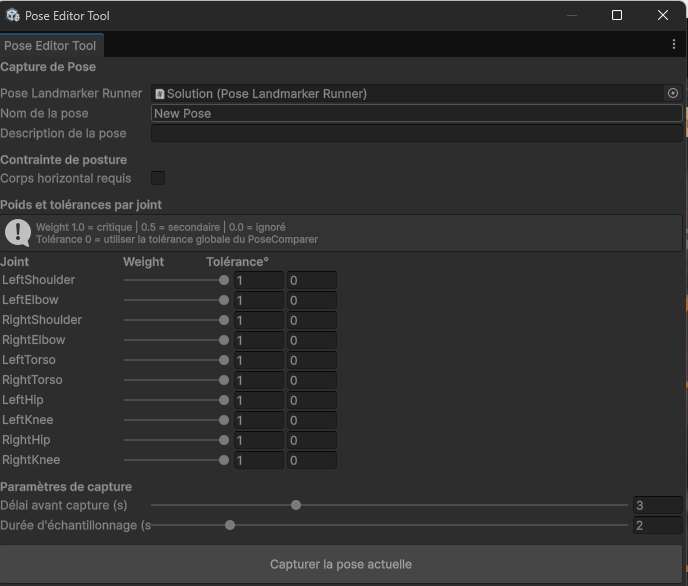
For each camera frame, the application computes the joint angles (e.g. elbow angle = angle between the upper arm and forearm) and compares them to those recorded in the reference pose. Each joint contributes to a global score from 0 to 100, with a configurable weight according to its importance in the exercise: for example, elbows are heavily weighted for a push-up but barely relevant for a squat. As soon as the score exceeds a defined threshold, the pose is validated and the application moves on to the next one in the sequence. Real-time visual feedback indicates the quality of the pose: the colour transitions from red (incorrect pose) to green (pose achieved).
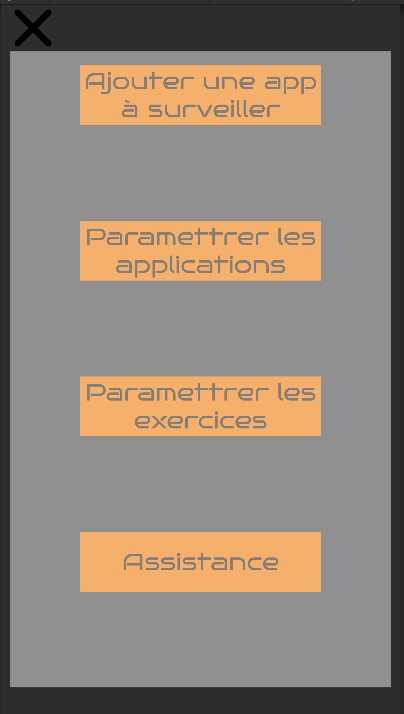
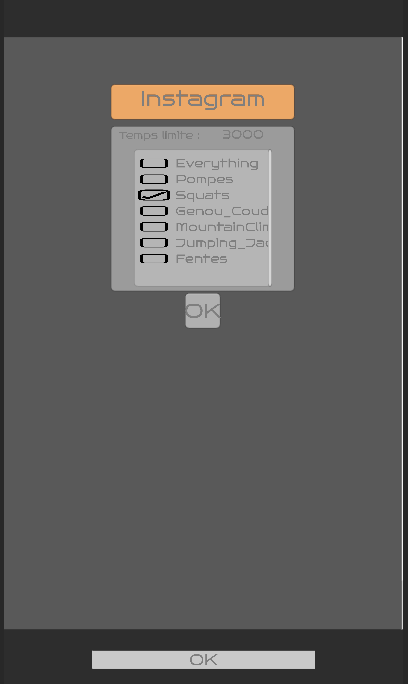
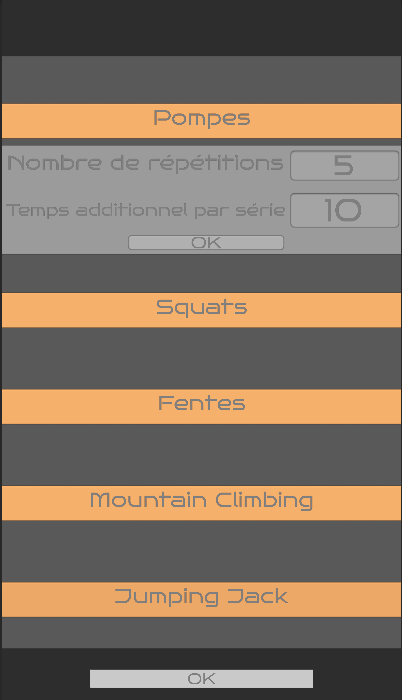
Exercises and monitored applications are presented as lists in the interface. Each item exposes its parameters directly via editable text fields in the list. For exercises, the user sets:
the number of repetitions to perform per set;
the scroll time unlocked at the end of the set.
For monitored applications, the user configures the daily quota allocated to each one. Counters automatically reset to zero every day at midnight.
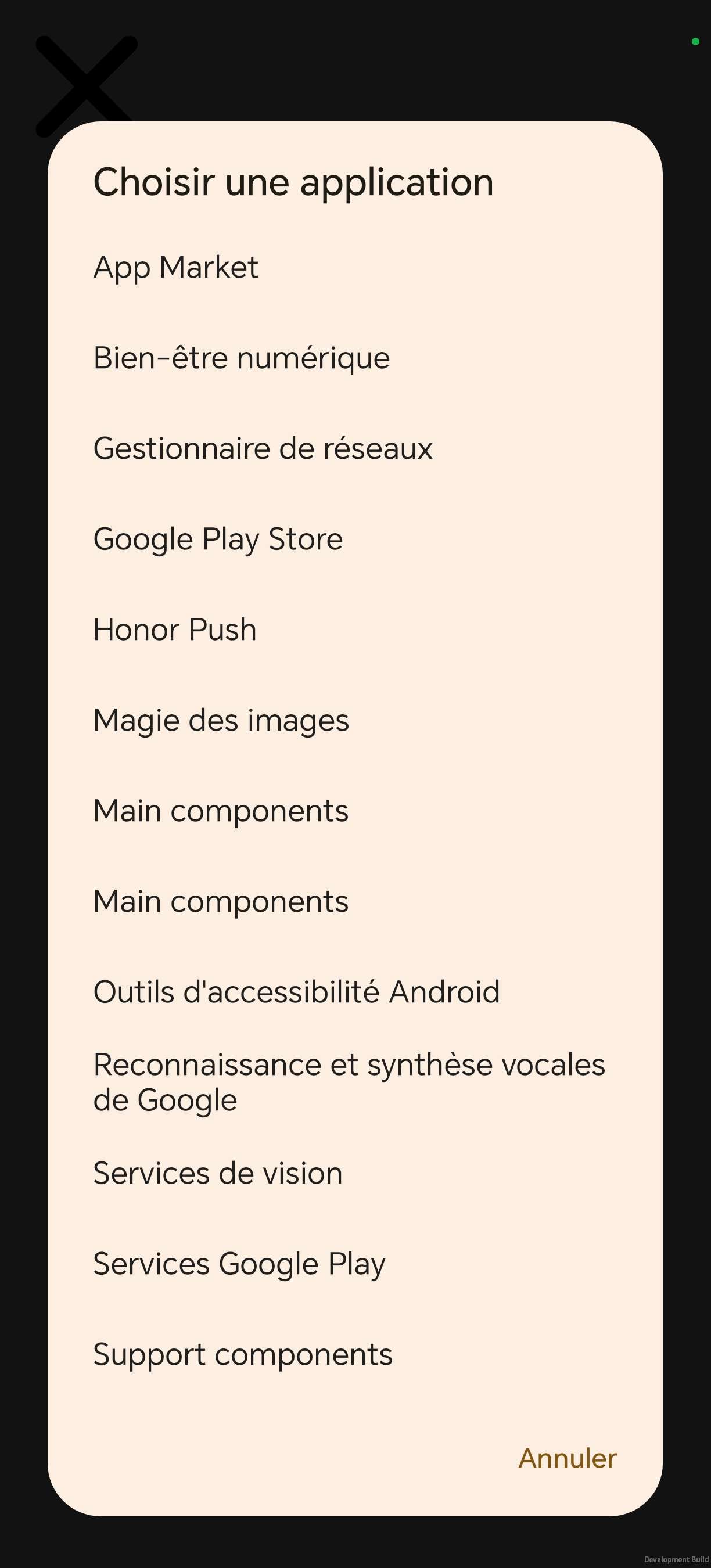
Tracking the time spent on applications relies on two complementary mechanisms:
The Android UsageStats API provides the cumulative usage time of each application since the start of the day;
An accessibility service listens in real time to system events: opening a monitored app, closing it, and screen lock. This last point is crucial: if the user turns off their screen without closing the app, the counter is paused, preventing screen-off time from being counted as active usage.
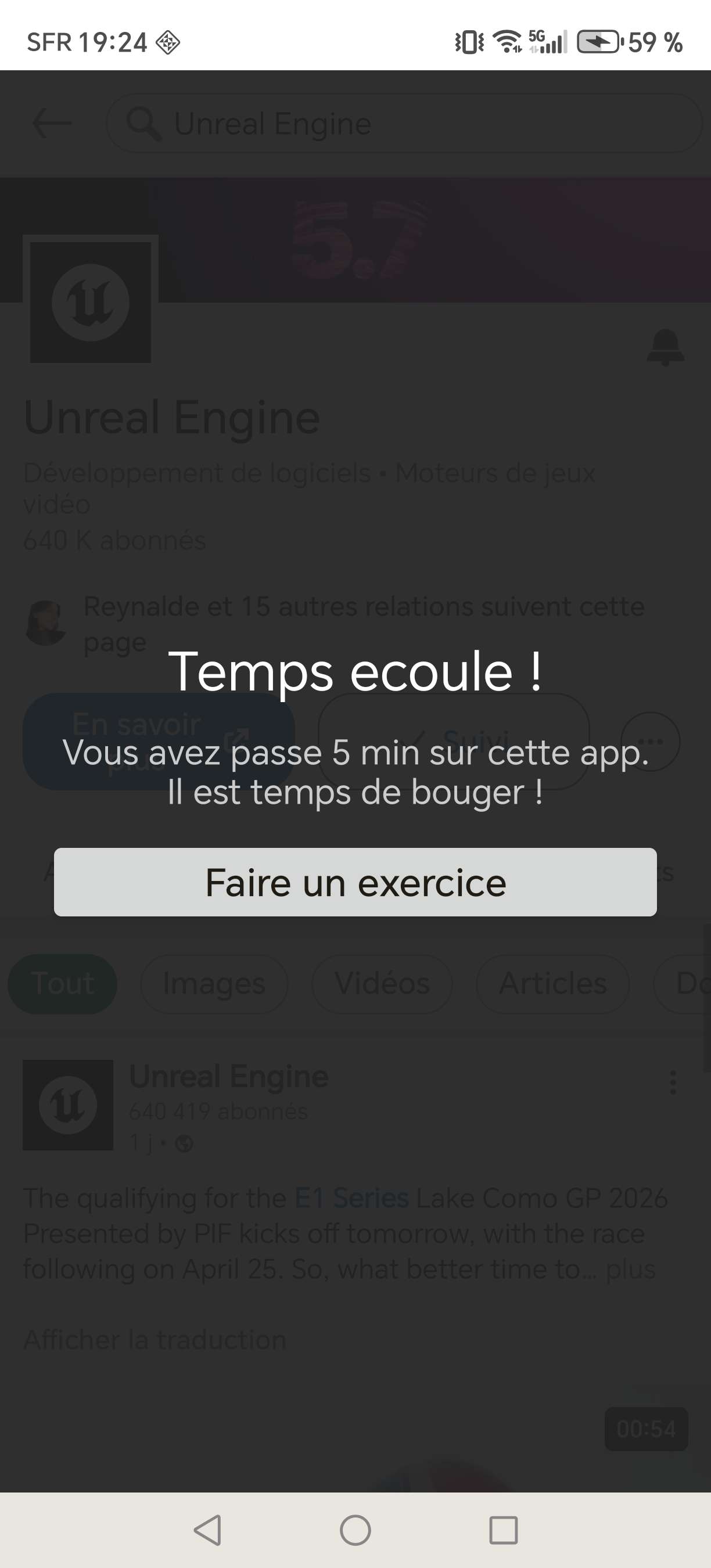
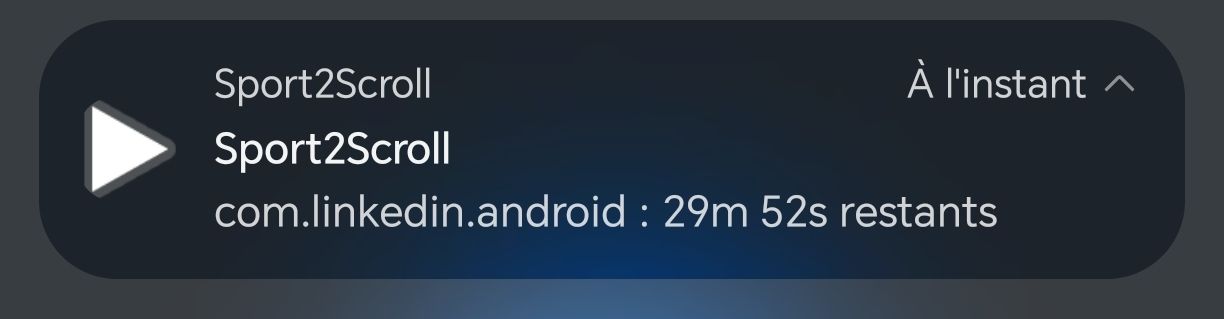
As soon as a monitored application is detected as open, a persistent notification appears and updates in real time with the remaining usage time for that application. As soon as the quota is exhausted, an overlay is displayed over the application, prompting the user to exercise in order to unlock more time.
Five Android permissions are required for the application to function:
Camera (CAMERA): access to the front camera for pose detection;
Usage statistics (PACKAGE_USAGE_STATS): reading of cumulative time per application. Sensitive permission, granted manually in system settings;
Accessibility service (BIND_ACCESSIBILITY_SERVICE): real-time detection of app openings, closings and screen lock events. Granted manually in accessibility settings;
Display over other apps (SYSTEM_ALERT_WINDOW): display of the blocking overlay and foreground notifications. Granted manually via settings;
Ignore battery optimisation (REQUEST_IGNORE_BATTERY_OPTIMIZATIONS): prevents Android from suspending the background monitoring service to save battery, ensuring continuous tracking even when the application is idle.